A couple in Brickell opens Maps at 6:45 p.m. They filter “seafood,” scroll three cards, and tap Call on the room whose grilled snapper photo looks like the plate they just saw walk past table four. They never opened your website.
That is Google Business Profile marketing for a seafood restaurant — not a ranking trick, a decision shortcut. The profile either looks like tonight’s room or like a stock brochure from 2019.
If you run fish restaurants in Miami, Boston, or London, the same pattern shows up in call logs: guests choose from a three-card stack, then phone or directions. Your GBP is that stack.
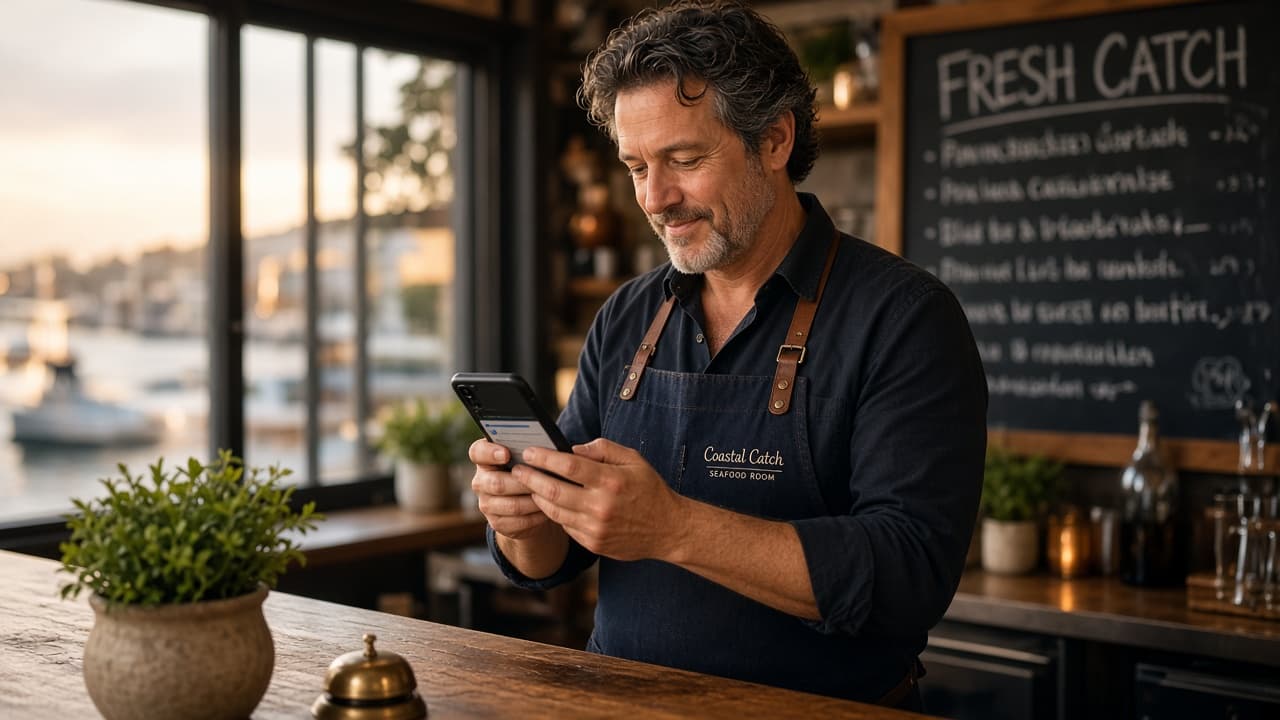
The photo gap that kills seafood specifically
Burger chains can use one hero shot for years. You cannot.
Guests are buying perishability — whole fish on ice, oyster shells, a sauce that breaks if it sits. When your cover photo is a sunset dock and your latest review mentions “oysters were warm,” the brain files mismatch and scrolls.
A workable rule for independent rooms:
- Cover: one plate you can serve every Friday — not the dining room empty at 3 p.m.
- Gallery: rotate 6–8 shots monthly; at least two must be shellfish or whole fish if that is your check driver.
- Menu photos: if Google lets you attach menu items, use the $38 entrée, not the $12 soup. That is the photo that pre-qualifies spend.
Operators in New York oyster bars told us the same failure mode: beautiful exterior shot, no shucker in frame, no ice. Calls go to the competitor whose thumbnail shows a opened East Coast cup.
Posts are not “content.” They are inventory signals.
Weekly Google posts are boring until you treat them like a catch board:
| Post type | What to write | Why it works |
|---|---|---|
| Tonight’s land | “Line-caught yellowtail in at 4 p.m. — grilled or crudo.” | Answers “is it fresh” without adjectives |
| Hours edge case | “Kitchen open until 10 p.m. Fridays; last seating 9:15.” | Stops the “are you still open” call |
| One constraint | “Stone crab claws limited — we hold 40 orders/night.” | Scarcity without fake FOMO |
Skip the paragraph about “culinary passion.” Post like the clipboard at the fish market.
London rooms near Covent Garden that post Tuesday lunch hours (when offices are back) often see midweek direction requests climb — not because Google rewards text length, because the post matches a search moment.
The call button is the product
On mobile, Call and Directions are the conversion. Website clicks are second.
Audit your profile like a host would:
- Phone number matches the number on your voicemail and reservation line — not a tracking number that rings once and dies.
- Hours include kitchen close, not just door lock. Seafood guests search at 8:50 p.m.
- Attributes: outdoor seating, wheelchair access, reservations — only if true. Wrong attributes generate one-star “they said patio” reviews.
If you are comparing your room to the worldwide seafood directory listings in your city, open three competitor profiles on your phone. Whose thumbnail looks like tonight? That is the benchmark.
Reviews: reply like you would at the door
Seafood reviews cluster around temperature, portion, and wait on Friday. Template replies read robotic; one sentence that names the dish helps.
- Five stars mentioning snapper: “Glad the grilled snapper held up — we pull that fish same-day from our Miami supplier.”
- Three stars on oyster wait: “Friday 8 p.m. is our rush; we should have warned you at the door — DM us and we will make the next visit right.”
Google’s public reply is marketing to the next searcher, not therapy for the reviewer.
Tie GBP to the page guests compare
Many diners still open a city seafood guide after Maps — they want ratings, photos, and a second opinion. Your GBP should point to the same story:
- Link in posts to your menu PDF or reservation page, not a homepage with a 4 MB hero video.
- If you claim a premium listing on FishRestaurants, keep hours and phone identical to GBP. Split NAP (name/address/phone) is how you lose map pack trust.
Read how Friday covers get decided before guests walk in — GBP is often the last screen before that shortlist.
FAQ
How often should a seafood restaurant post on Google Business Profile?
Once a week minimum when you have a real update — new catch, hour change, holiday closure. Posting daily with generic food photos hurts more than it helps.
What is the best cover photo for a fish restaurant on Google?
The dish you want to sell on Friday night, shot within 48 hours, with steam or ice visible. Exterior shots work for landmarks; independents win on plate truth.
Does Google Business Profile marketing work for multi-location seafood groups?
Yes, but each location needs its own gallery and phone. Corporate stock photos across six harbours train guests to ignore you.
Should seafood restaurants pay for Google ads before fixing GBP?
Fix photos, hours, and review replies first. Ads amplify a broken profile — you pay for clicks that still bounce to a competitor with a better thumbnail.